All your movies, shows and music. One beautiful home.
localpass.tv is a free home media server for your Windows PC. It turns your files into a library you'll love using, on your TV, your phone and your computer. No account, no subscription.
For Windows PCs (Intel, AMD and Arm), Android TV, Google TV and Android phones. Fire TV coming soon.
Set up in three steps.
Install it on your PC
Get localpass.tv free from the Microsoft Store, on the PC where your movies, shows and music live.
Add your folders
Point it at the folders that hold your files. It builds your library and keeps it up to date by itself.
Open it anywhere at home
Install the app on your TV or phone. It finds your PC on your Wi-Fi: no addresses to type.
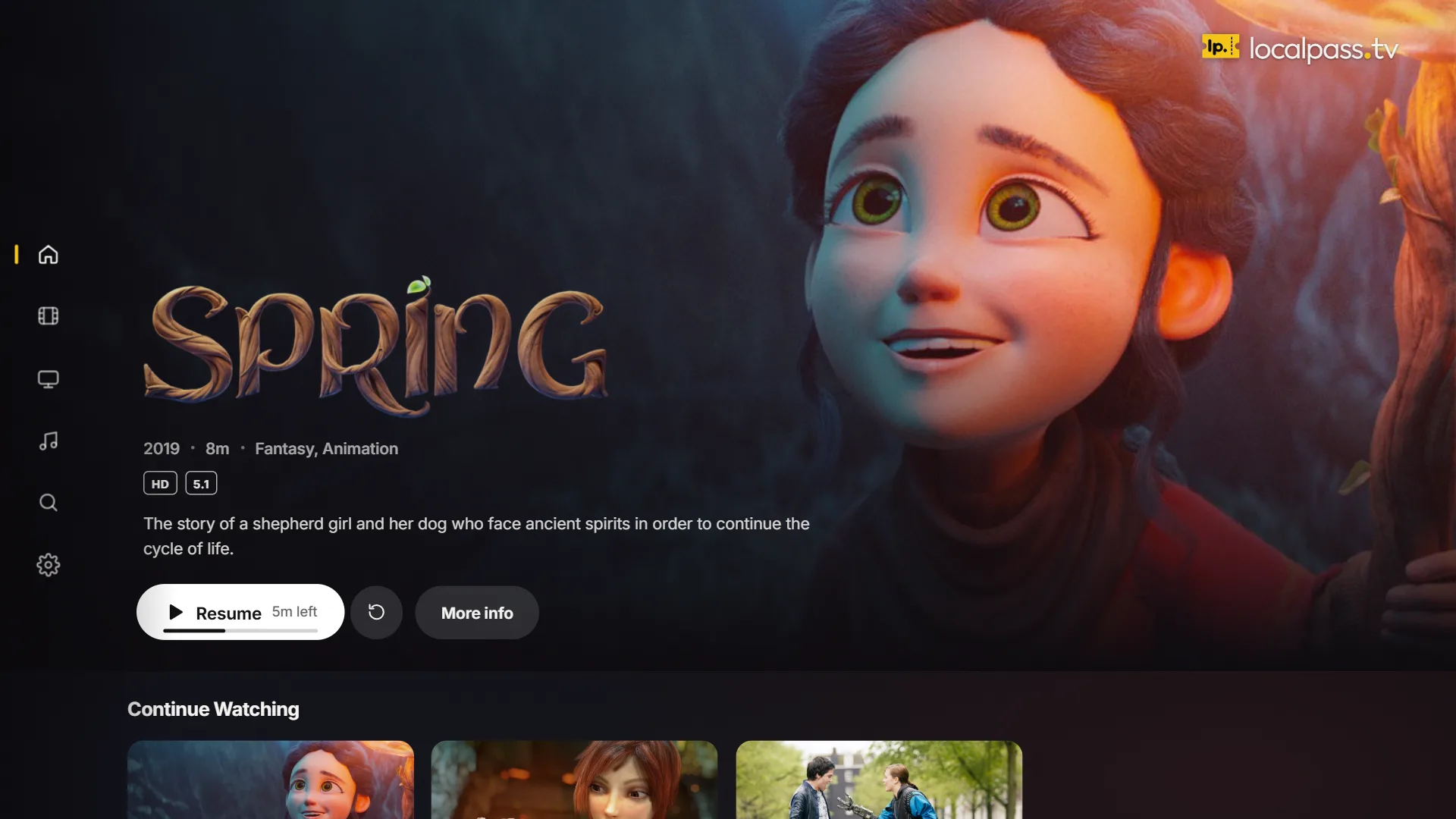
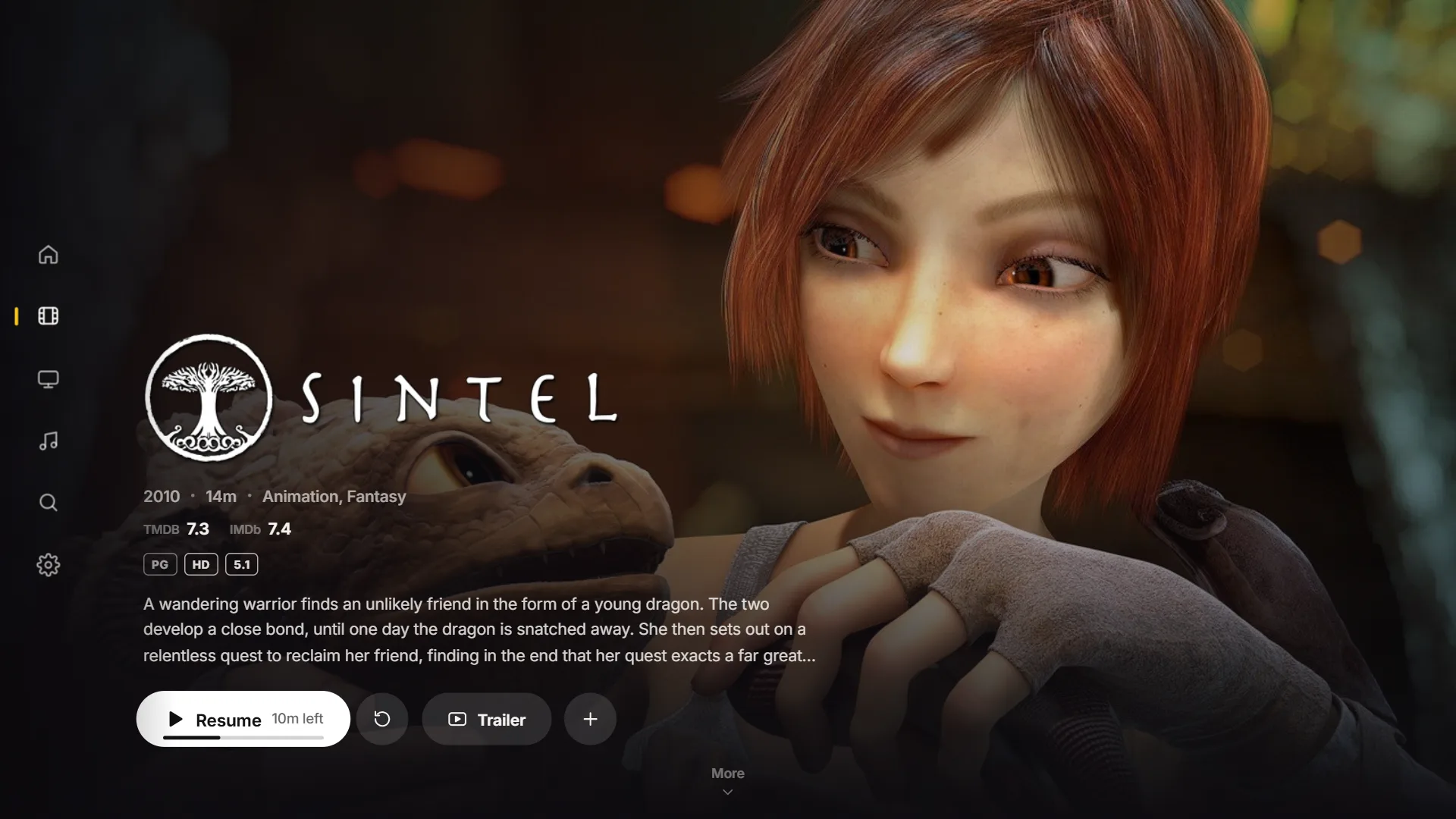
Your films, like a streaming service.
Drop your files in a folder. localpass.tv brings them to life with artwork, plots, cast and trailers, and plays them at their very best.
Music that feels made for it.
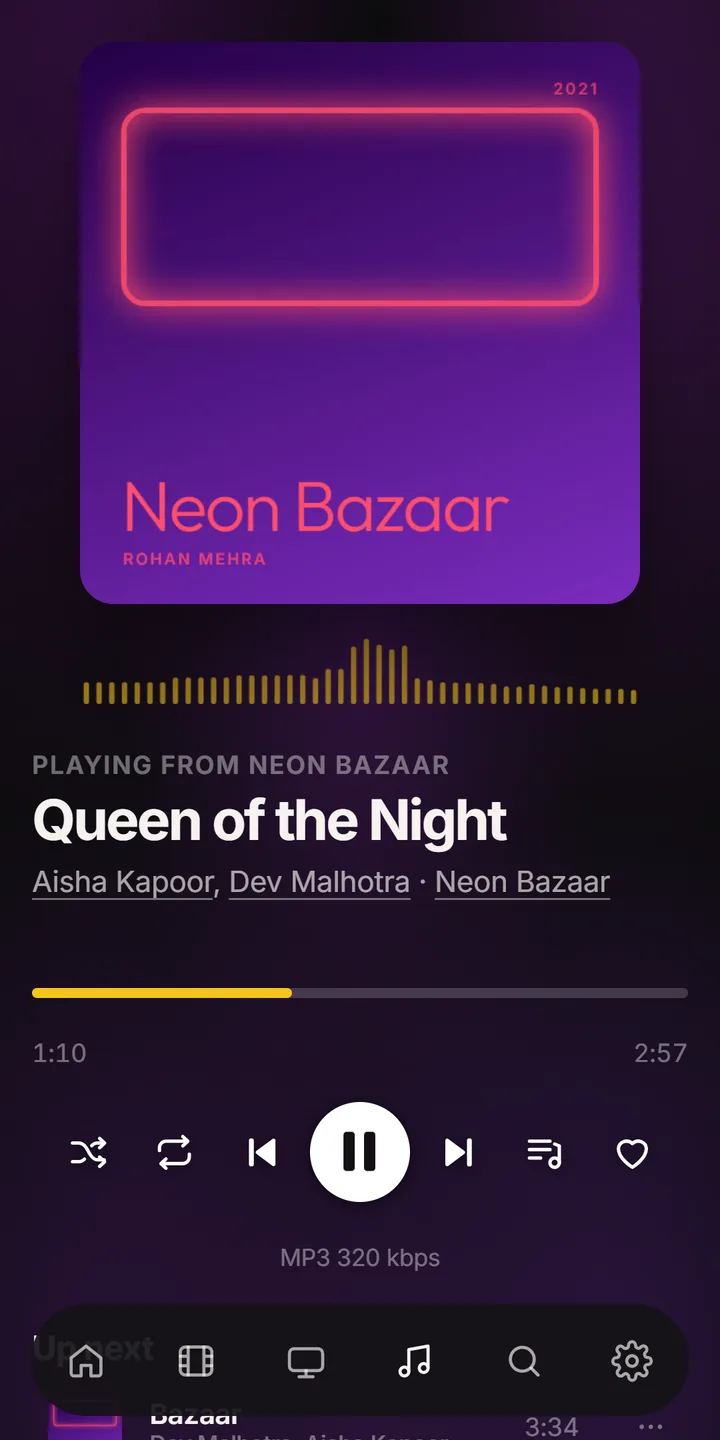
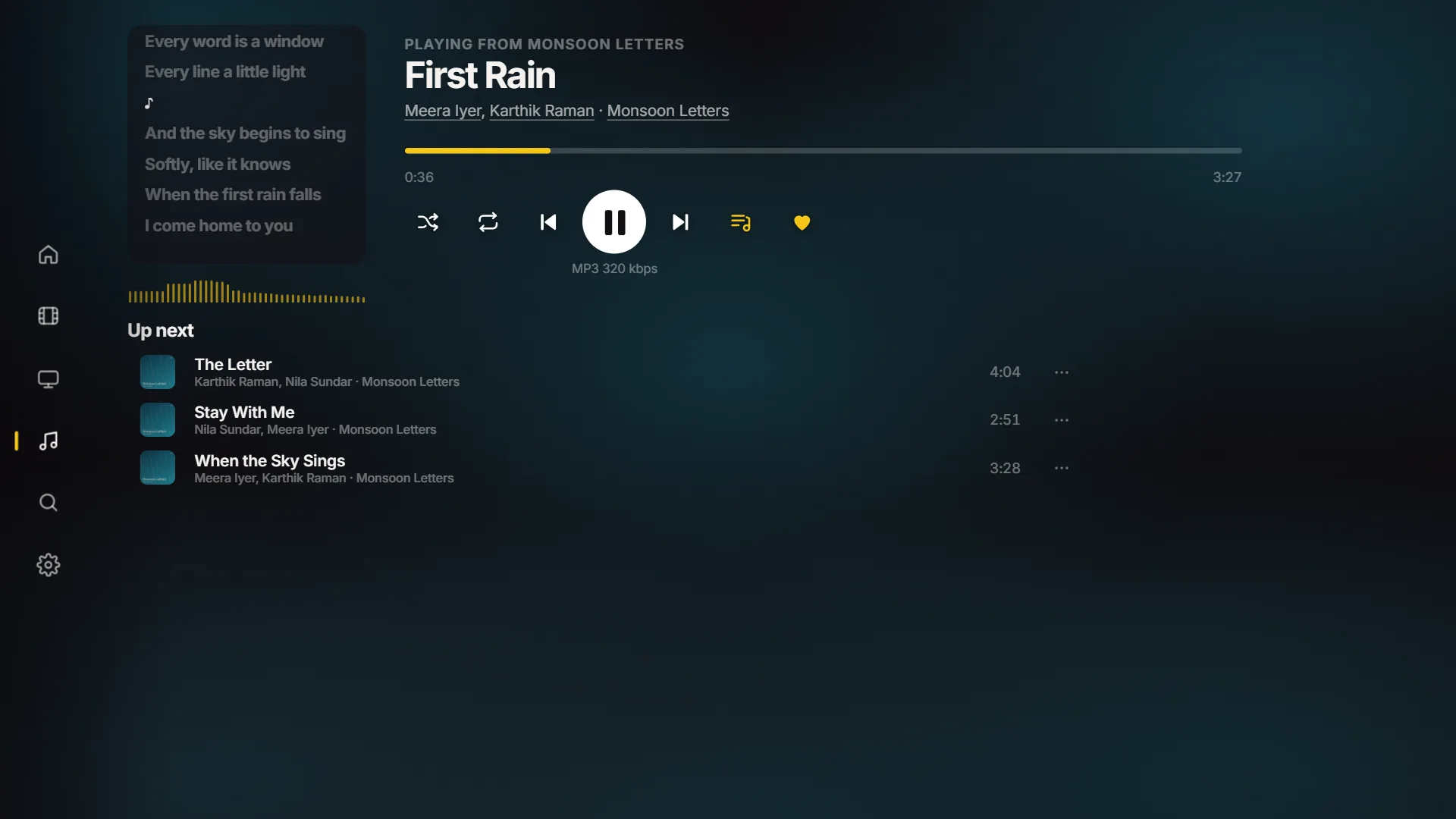
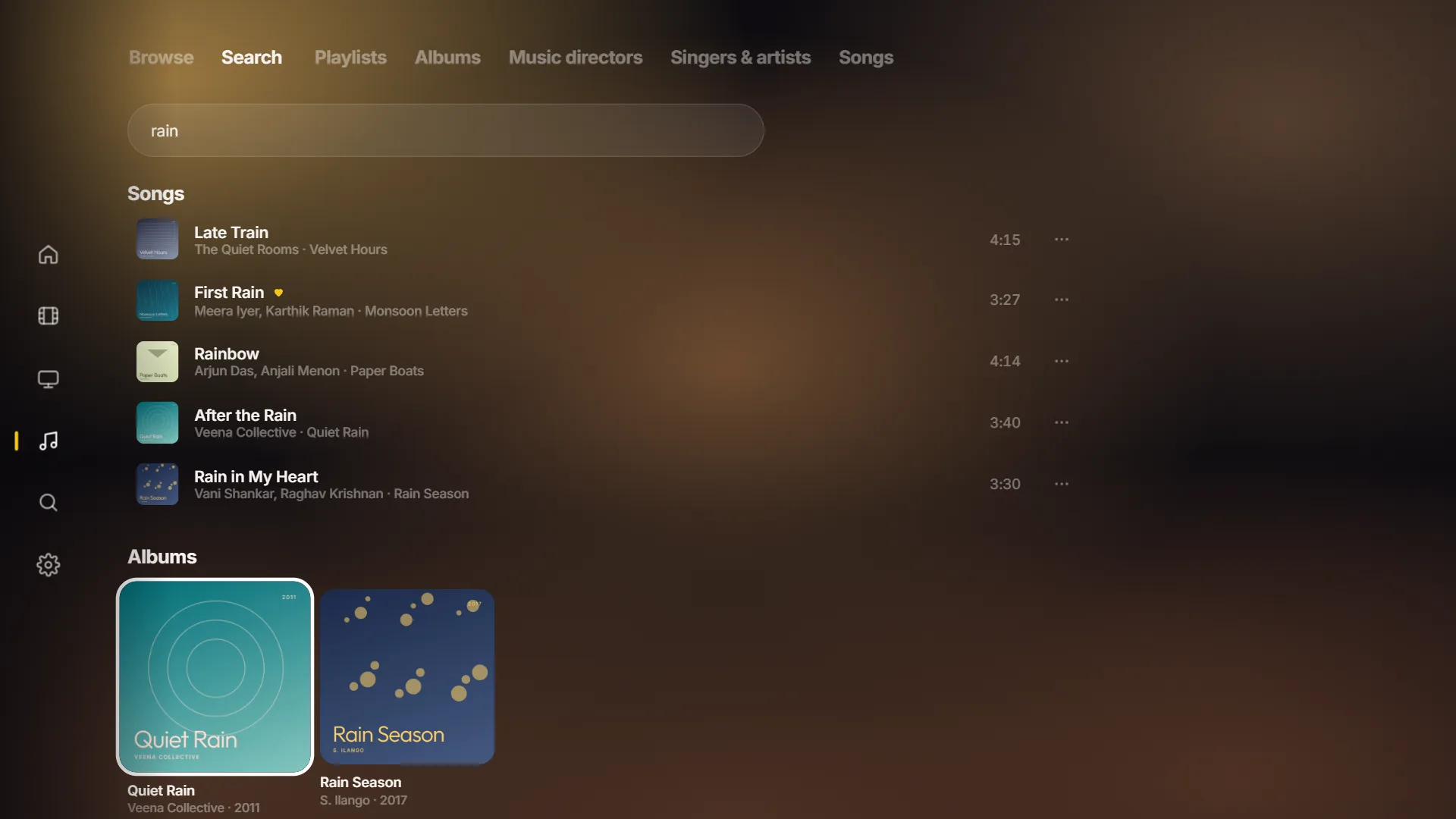
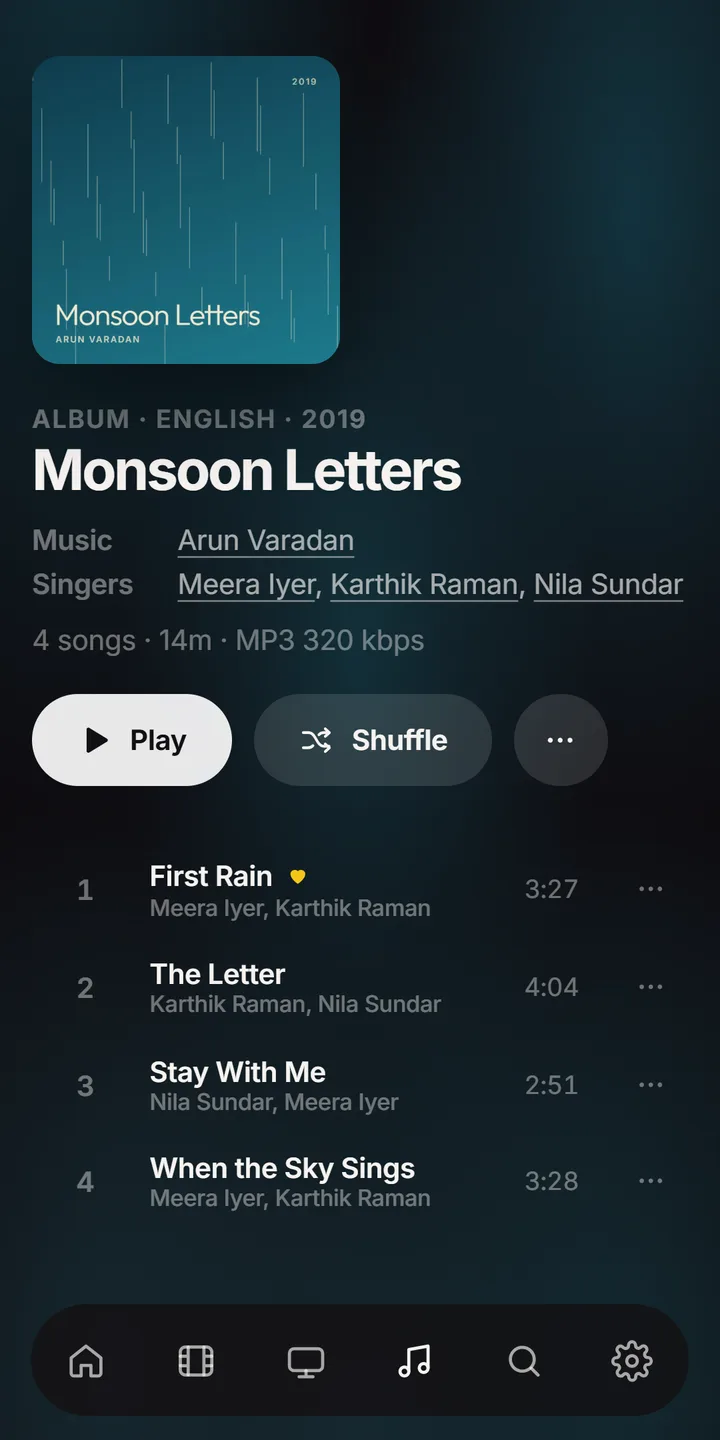
Your albums, sorted properly. Singers and music directors, film soundtracks, and a Now Playing screen worth leaving on.
Take a look around.
The TV app, screen by screen.
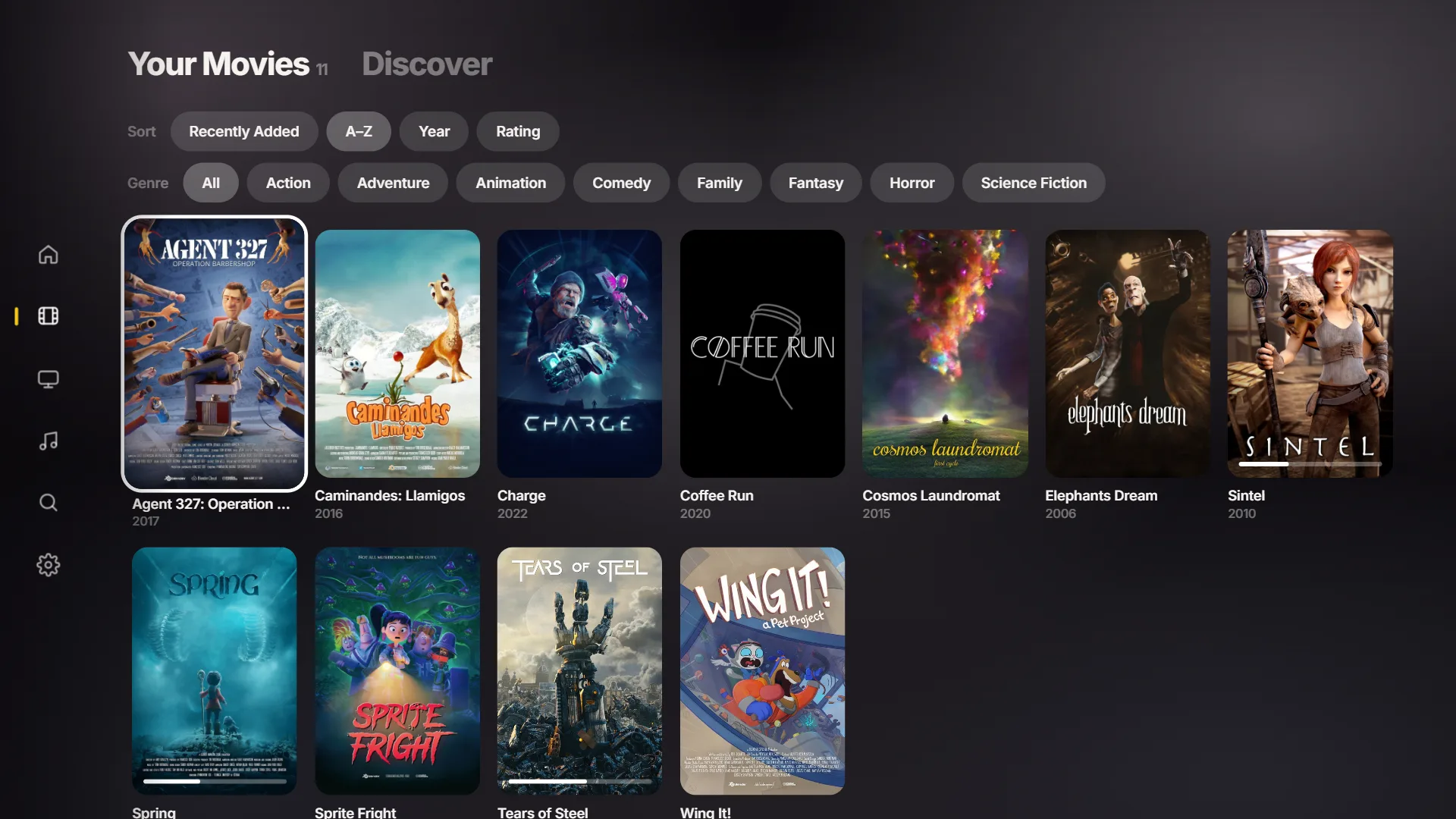
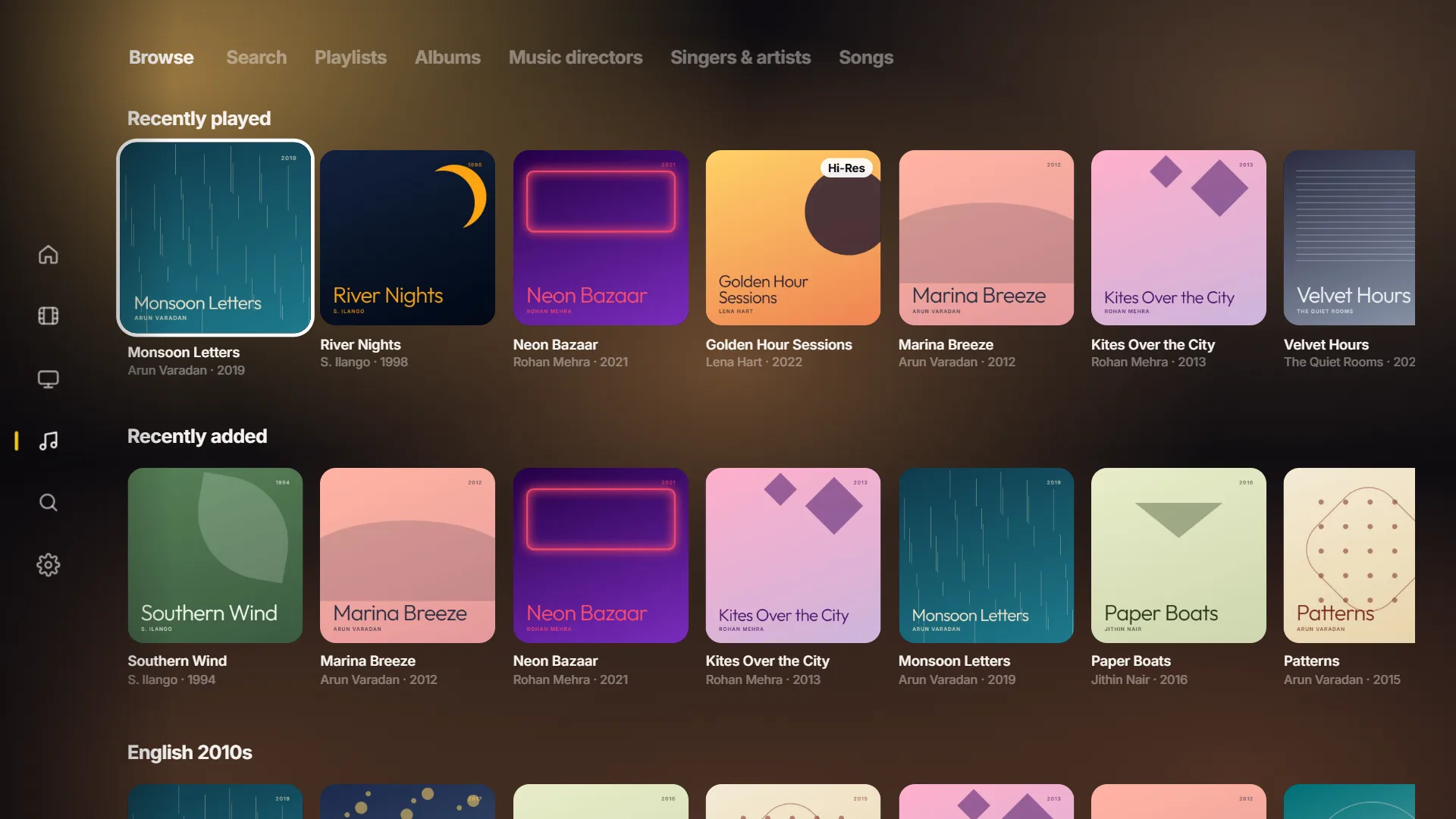
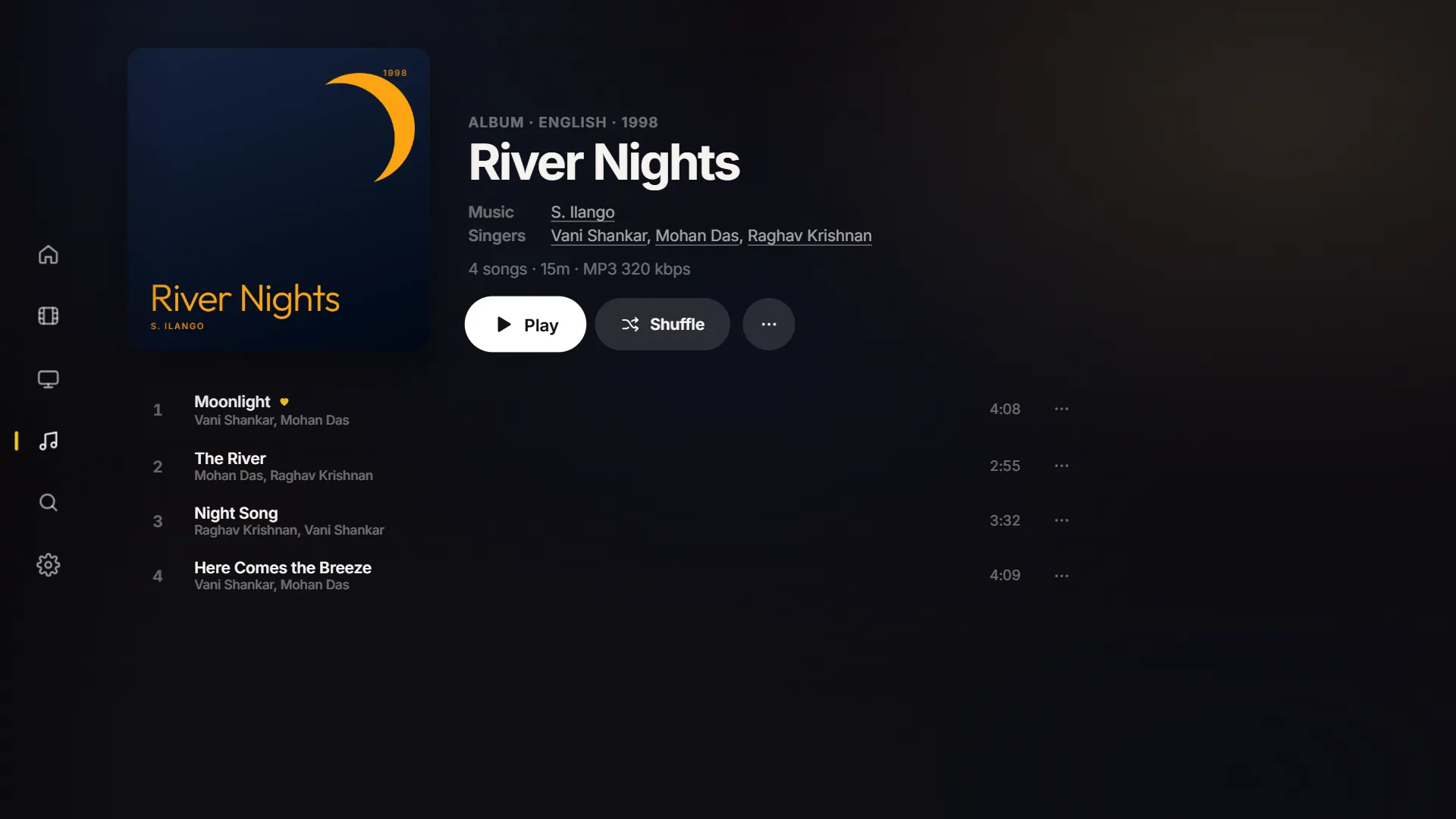
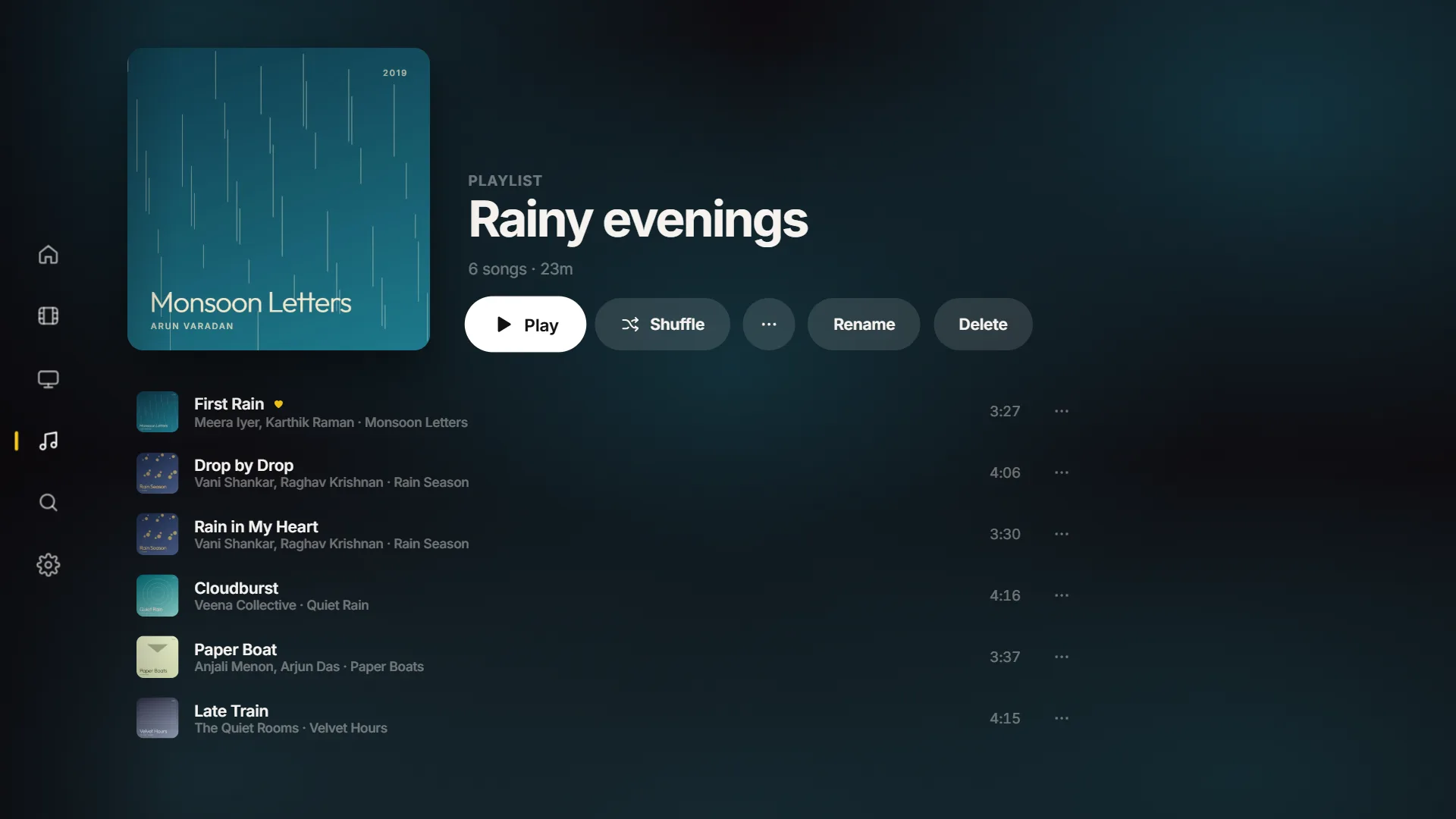
Home: pick up where you left off, and see what's new.
One library. Every screen in your home.
Install it once on the PC that holds your files. Then open the app on your TV or phone: it finds your library on your Wi-Fi by itself.
The details, done right.
Subtitles
Uses the subtitles inside your files or next to them, cleanly styled for every screen. Online subtitles too, with your own free key.
Your library, organised
Sort and filter movies and shows by genre and year. Music by album, singer, music director, language and decade.
Search that forgives
Finds what you meant, even when names are spelled several different ways.
Made for the remote
Big, clear and quick to move around with a TV remote. Skip 10 seconds, or press again to jump further, and see the scene you'll land on.
Hi-Res audio
FLAC and other lossless files play in full quality, and they're marked so you can tell.
Quietly in the background
On your PC it lives in the notification area, starts when you sign in if you like, and keeps your PC awake while you watch, even with the screen off.
A simpler, free alternative to Plex and Jellyfin.
Plex and Jellyfin are powerful media servers. localpass.tv is for people who want their own movies, shows and music to look great at home, without the setup, the account or the subscription.
Free, with nothing to sign up for
No account, no subscription, no premium tier and no ads. Install it and it's yours.
Nothing to configure
Install it on your PC, add your folders, and open the app on your TV. It finds your PC by itself: no server addresses or ports to set up.
Designed like a streaming service
A clean, modern interface built for the TV remote first, with the same look on your phone and PC.
Music that's done properly
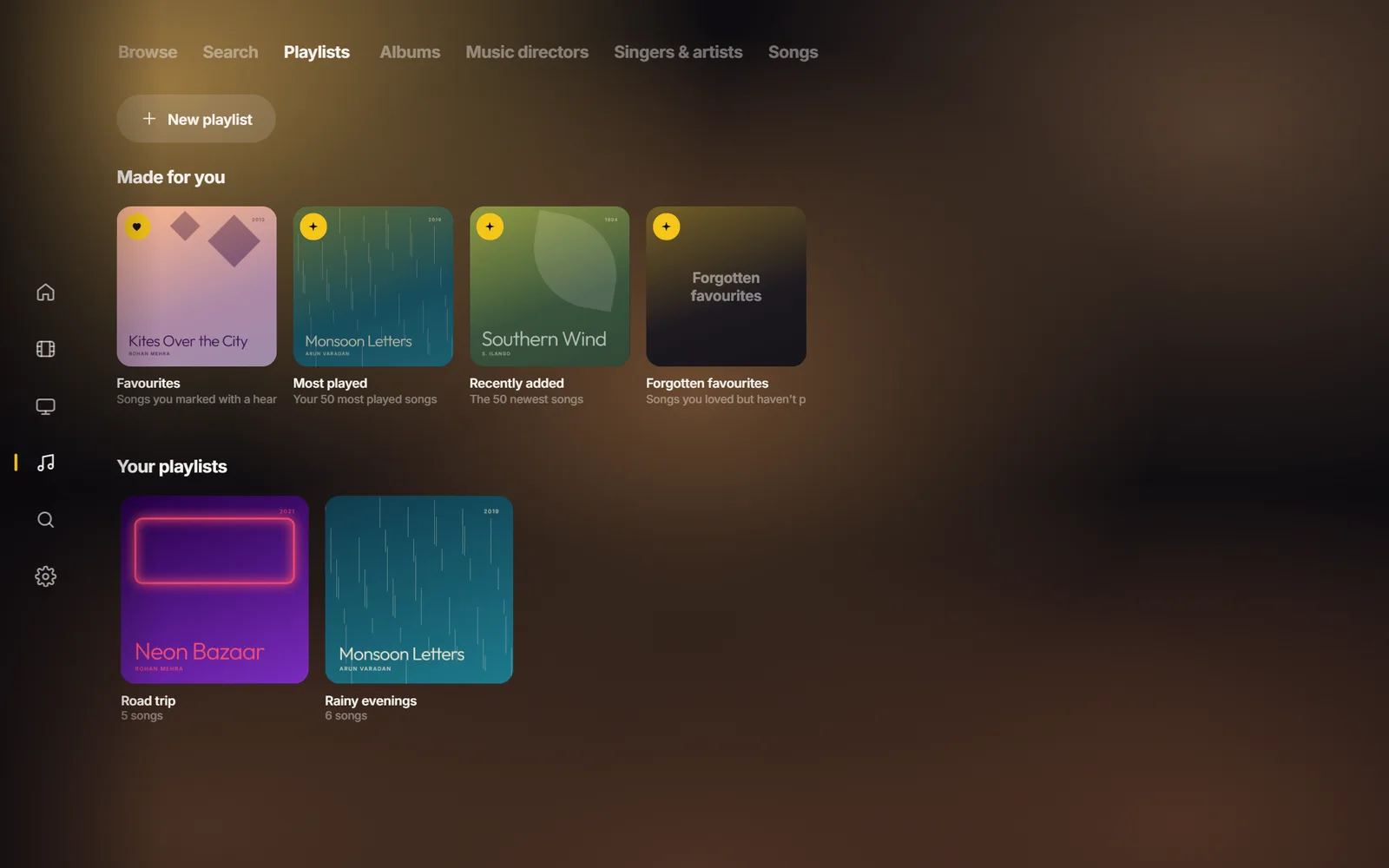
Music directors and singers, film soundtracks linked to their films, languages and decades, timed lyrics and smart playlists.
localpass.tv is made for your home network. If you need to stream away from home, share with friends or watch live TV, Plex or Jellyfin may suit you better.
Your library. Your home. Nobody else's.
No account, no ads, no tracking. Your files never leave your home network, and nothing is sent to us. Read the privacy policy.
Get localpass.tv
Free on every device. Start with Windows, then add your TV and phone.
Windows
Install this first, on the PC that holds your files. Runs natively on Intel, AMD and Arm PCs.


Fire TV
For Amazon Fire TV sticks and TVs.
Coming soonQuestions
How is localpass.tv different from Plex or Jellyfin?
All three play your own files on your devices. localpass.tv focuses on home use and simplicity: it's completely free with no account, needs no server setup (your TV finds your PC by itself), and is designed like a streaming service on the TV. It also has a fuller music library, especially for film music. Plex and Jellyfin do more, such as streaming away from home, sharing and live TV.
Is localpass.tv really free?
Yes. There's no subscription, no paid tier and no ads.
Does localpass.tv come with movies or music?
No. localpass.tv plays the video and music files you already have. It doesn't provide, host, sell or link to any movies, shows or music.
Do I need an account or a subscription?
No. There's no account and nothing to pay. Install it and point it at your folders.
Does it need the internet?
Only for optional extras. Your library plays over your home Wi-Fi with no internet at all. Add your own free keys and it can also fetch posters, plots, cast, trailers, scores and subtitles.
Can I watch away from home?
localpass.tv is made for your home: your PC and your TV or phone need to be on the same Wi-Fi.
Which files does it play?
Video in MKV, MP4, AVI, MOV, WebM and more, including H.264, HEVC, VP9 and AV1. Music in MP3, FLAC, M4A, OGG, Opus, WAV and WMA. Anything a device can't play directly is converted as it plays.
Where do the lyrics come from?
From your own files: a .lrc or .txt file next to the song, or lyrics stored inside the song file. localpass.tv never looks lyrics up online.
Will my PC fall asleep while I'm watching?
No. While something is playing, localpass.tv keeps your PC awake (the screen can still turn off). Once you stop, your normal sleep settings take over again. Keep the lid open on a laptop.
Does it run on Windows on Arm, like Snapdragon laptops?
Yes, natively. The Microsoft Store installs the right version for your PC by itself: a native Arm64 build on Arm PCs such as Snapdragon laptops (including Copilot+ PCs), and the regular build on Intel and AMD PCs. Video conversion runs natively too, with no emulation.
Is Fire TV supported?
Not yet. A Fire TV version is coming soon.